A modular management platform: finance, inventory, billing, tax and CRM. You only subscribe to the modules you use. And if your business is real estate, there is a complete vertical ready to go — leases, owner payouts, DIMOB, rent adjustments, inspections and a customer portal.
Built for Brazilian law and banking. To operate in another country, ask us about localization.
The math nobody wants to do
Every property manager knows the number one request of the month: a copy of the bill. It arrives on WhatsApp, after hours, and someone has to stop what they're doing to look it up in the system. CdAdm solves this on both sides — when the customer asks, and when you collect.
Generated from the lease, with adjustment, late fee and interest already calculated from the current table.
One click sends it to the whole portfolio — bank slip, owner payout report or invoice. Email is still there, right next to it.
On the WhatsApp they already use. No app, no portal, no password, no spam folder.
Sent, delivered, read — right on the bank slip screen, lease by lease.
And when the customer asks before you send it, WhatsApp customer service pulls the bank slip from CdAdm and sends it back on its own — even at 10 p.m. on a Sunday. The tenant gets theirs; the landlord gets their owner payout. See how it works →
Who it's for
CdAdm was born in the real estate sector, and that's where our greatest depth lies. But the core is a management platform common to any company: businesses that sell products use Inventory and Billing; manufacturers use the Tax module; service providers use Finance and CRM.
Rentals, sales, owner payouts, DIMOB, inspections and portals for landlords and tenants.
Inventory, billing, accounts receivable and payable, cash control and tax invoicing.
Industry and Commerce module with a Tax API for invoices and ancillary tax filings.
Complete financial management and a general-purpose CRM that isn't only about property.
Modules
Each module works on its own and they all share the same records. Start with what hurts most and add as you go.
They are modules, not separate systems, because CdAdm is a platform: login, permissions, reports, bank integration, invoicing and auditing already exist in the base, and each module only adds the rules of your industry. How it works under the hood →
Accounts receivable and payable, cash control, cash flow, bank reconciliation and a Finance API for bank integration. Includes cost allocation: splits an expense among participants by percentage, with reusable settings.
Products, receipts and issues, stock movements and the real turnover of goods.
Issuing and managing billing, with history and rules by document type.
Industrial and commercial operations with a Tax API — invoices and ancillary tax filings.
Funnel, leads, contact activities and a consolidated calendar — for any industry, not just real estate.
Property portfolio, rental and sales contracts, owner payouts, DIMOB, VIP Area and automatic collection by bank slip and PIX (Brazilian instant payment).
Real estate vertical
These are features that exist only because someone lived the problem. All of them are running today, across our customer base.
Tenants and landlords log in with a link + CPF (Brazilian taxpayer ID) and find bank slips, receipts, PIX, owner payouts, statements, DIMOB and inspection reports. The portal carries your agency's brand, not ours.
Every property manager knows the scene: the tenant moves out, the move-out inspection points to damage, and the argument starts about what was already like that at move-in. Without a record, whoever talks loudest wins.
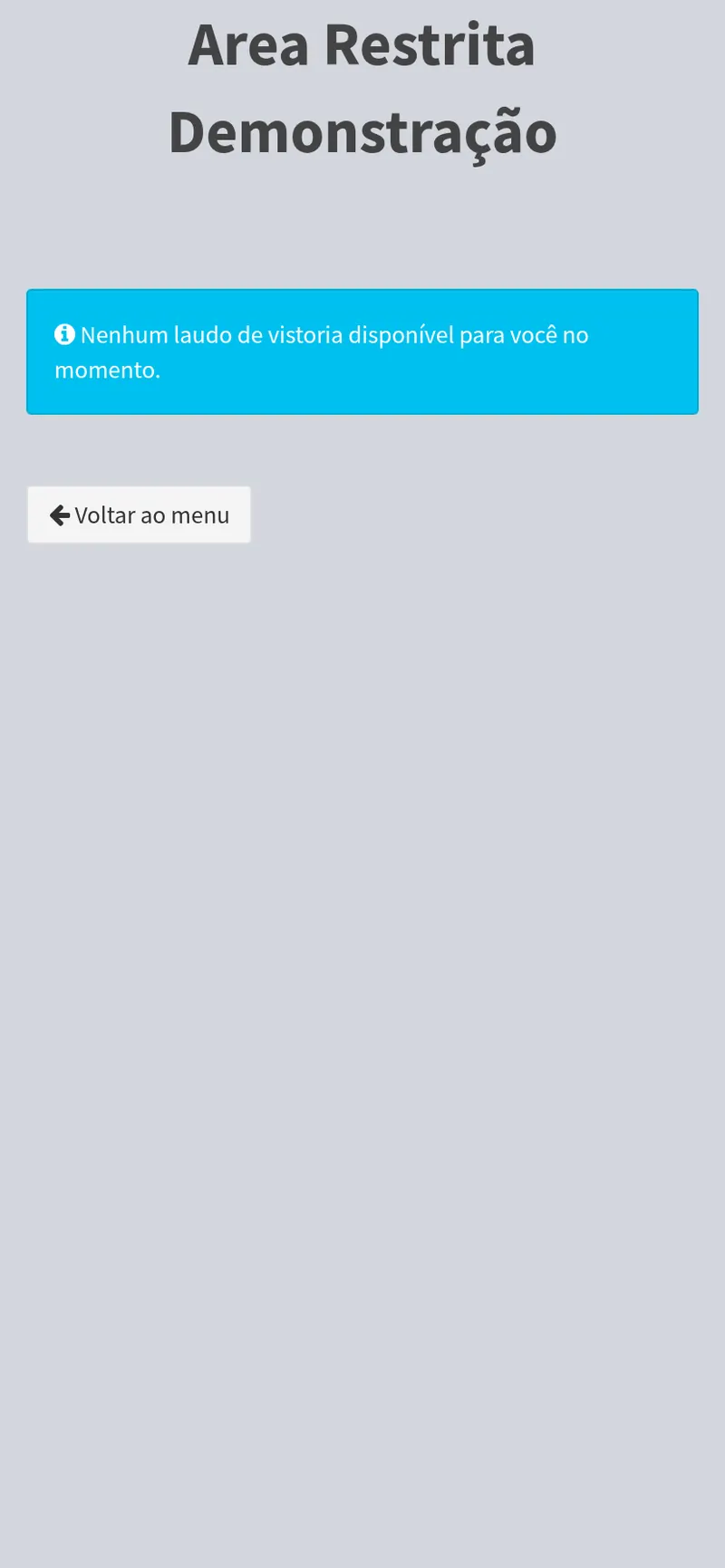
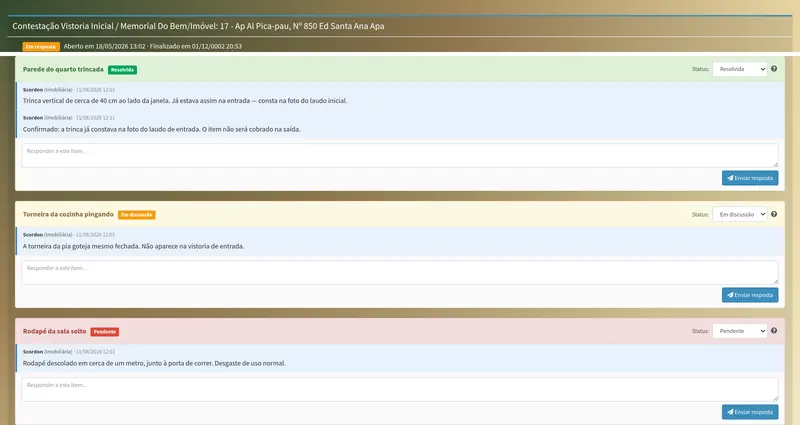
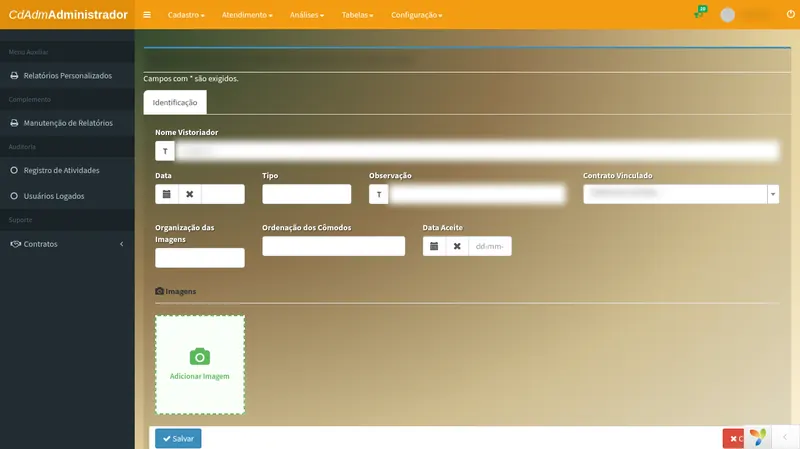
Now the inspection is published in the VIP Area and the customer reviews it block by block — room by room, or section by section. On each block they accept or decline. If they decline, a reason is required, and they can attach a photo.
The value isn't in avoiding disagreement — it's in having in writing who disagreed with what, when, and with which photo. If the conversation turns into a lawsuit, the history already exists.
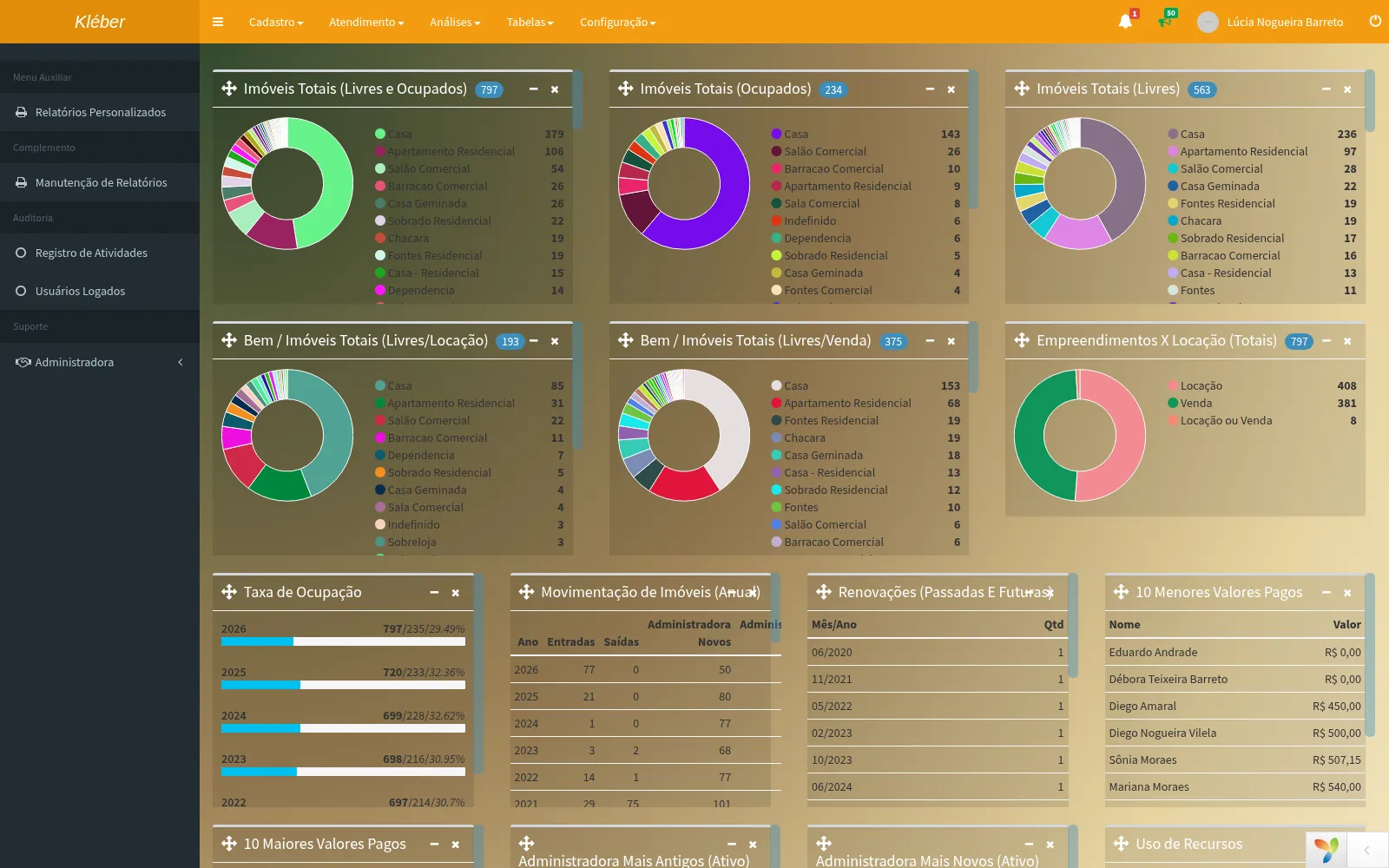
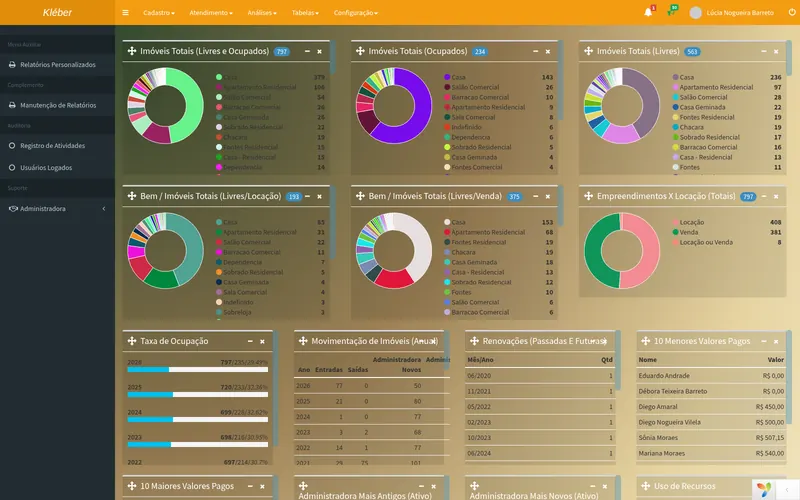
The dashboard brings together portfolio, operations and finance in three blocks, with 8 types of visualization. Each widget only appears to users with permission for the corresponding module — nobody sees numbers they shouldn't.
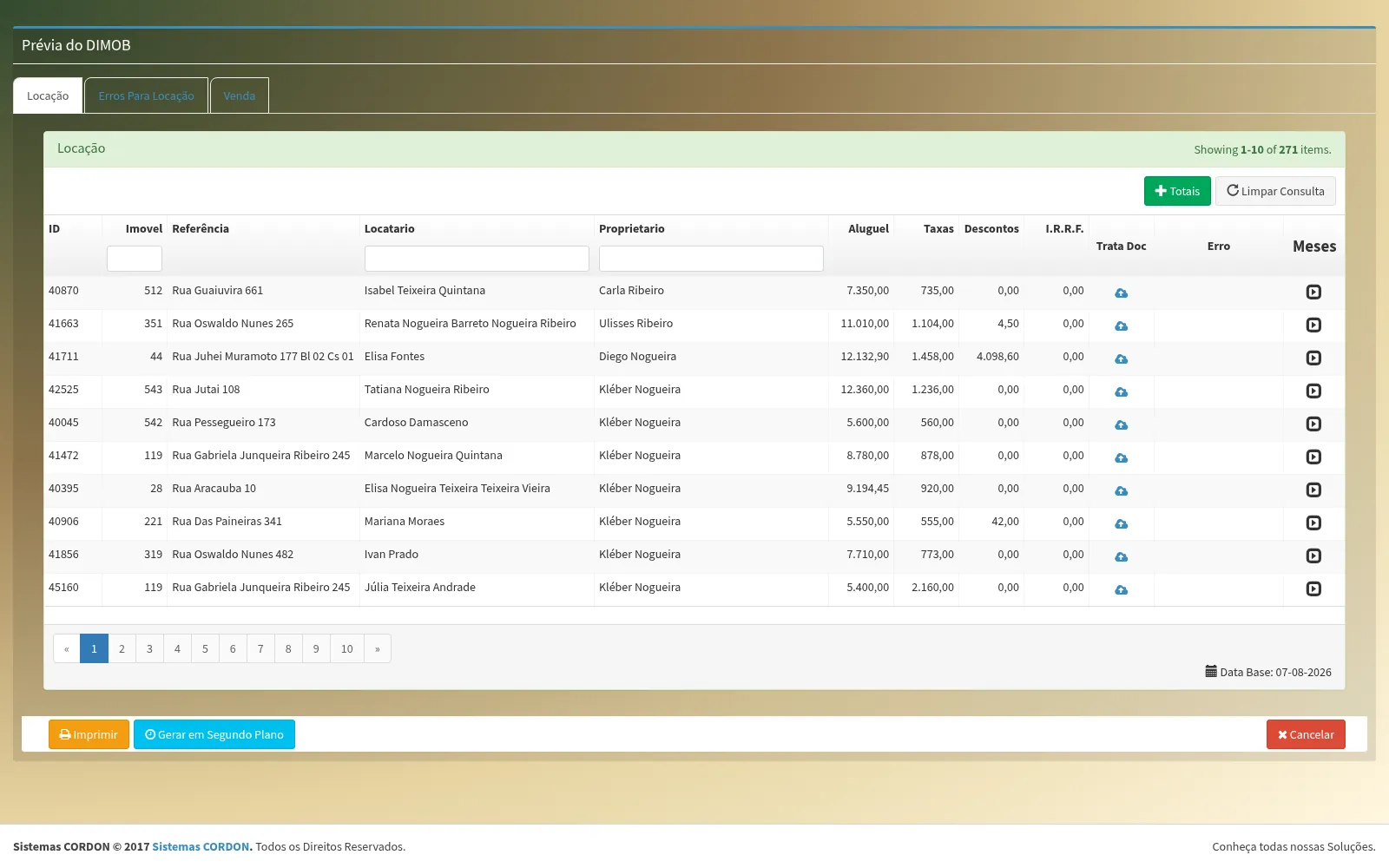
Rent adjustments, late fees, interest and withholding tax come from the official table in force on the date — not from a formula copied into a spreadsheet someone edited in 2019.
The lease, from start to finish
Seven tabs with terms, due dates, amounts, agent, witnesses and reusable special clauses.
Changes the lease without losing the history of what applied before.
Standardized catalog of reasons and calculation of the settlement.
Replaces the tenant without losing payments already made.
Transfers the lease to a third party while keeping the trail.
Engine for automatic recurring charges and deductions.
Initial → move-in → move-out flow, with photos by room — and the report tied to the lease, delivered to the customer in the VIP Area.
Track who picked up the key and who entered the property.
Holds the property while the customer decides.
Natural-language search of the portfolio, for active prospecting.
Tracking of projects under construction, integrated into the dashboard.
Who changed what, and when. Including restoring what was deleted by mistake.
Real screens
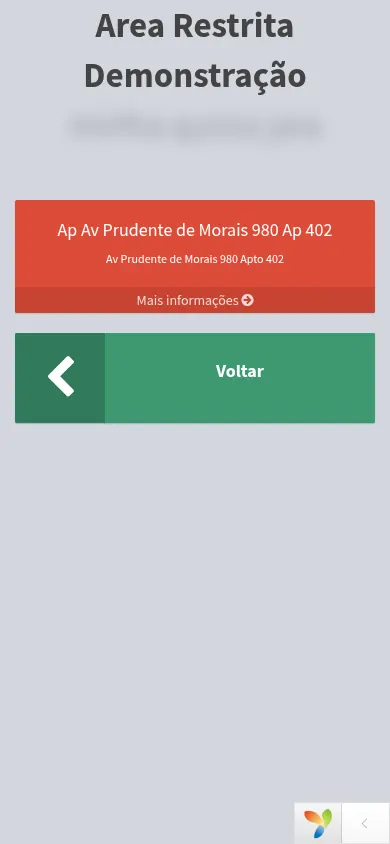
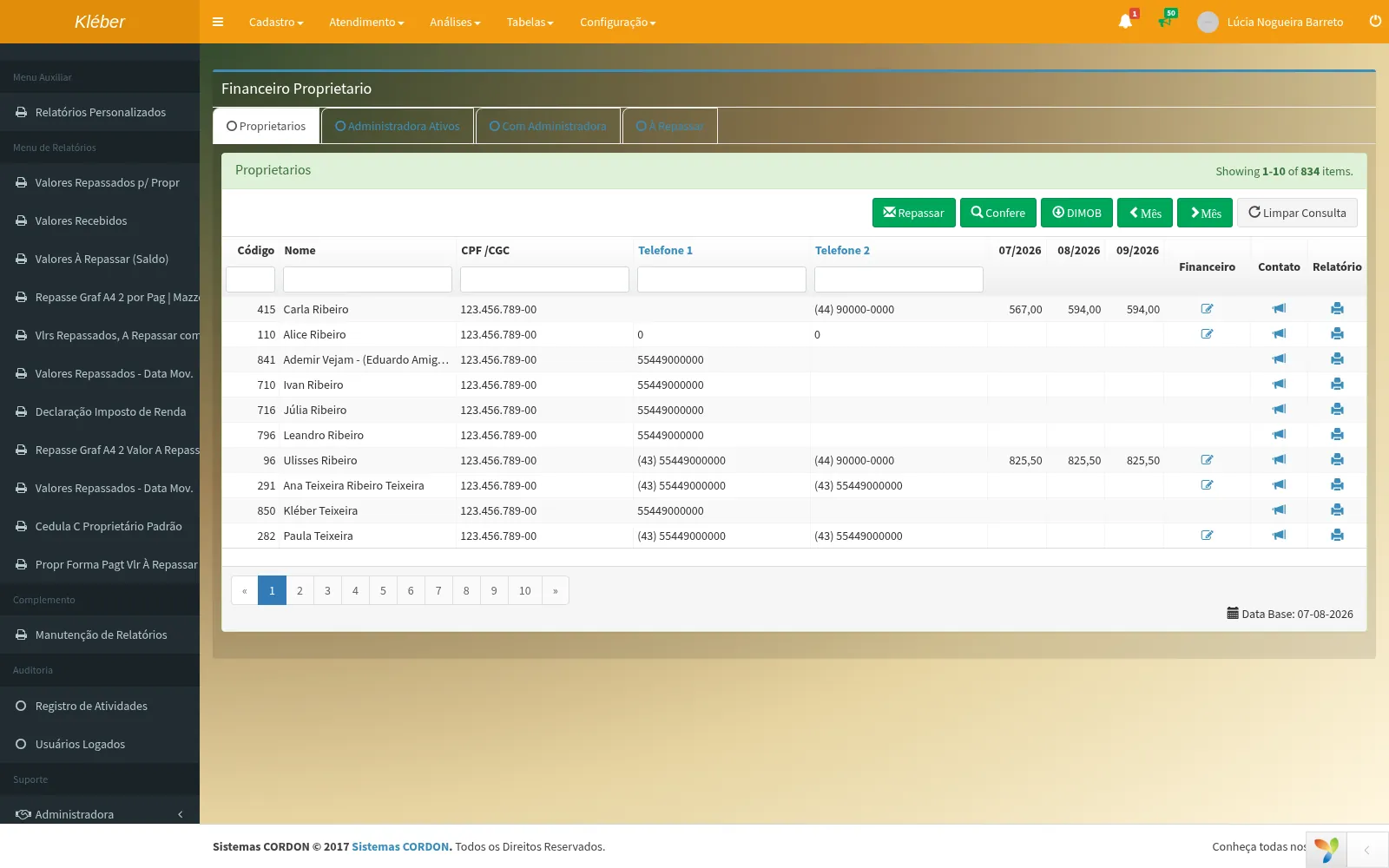
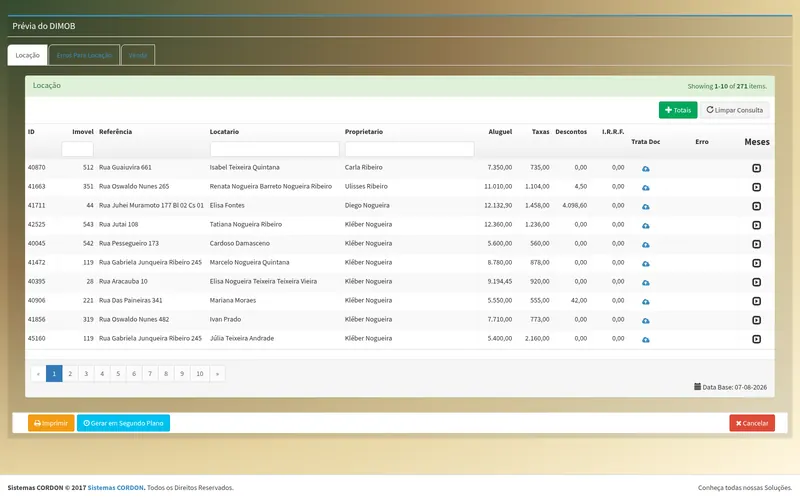
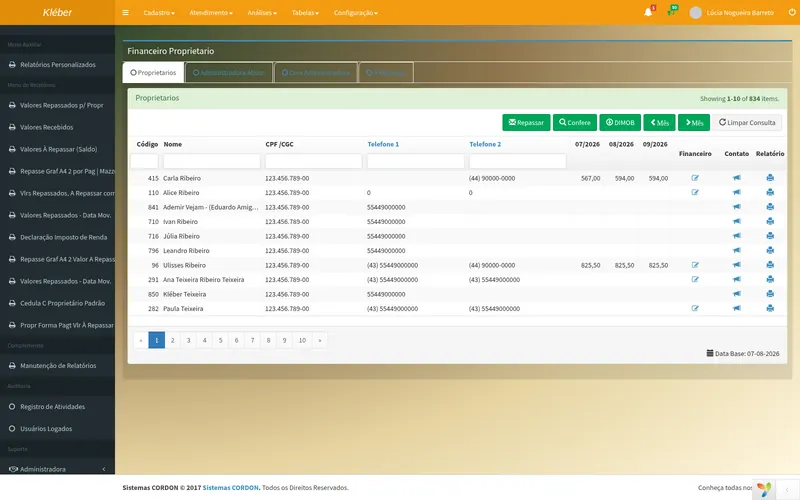
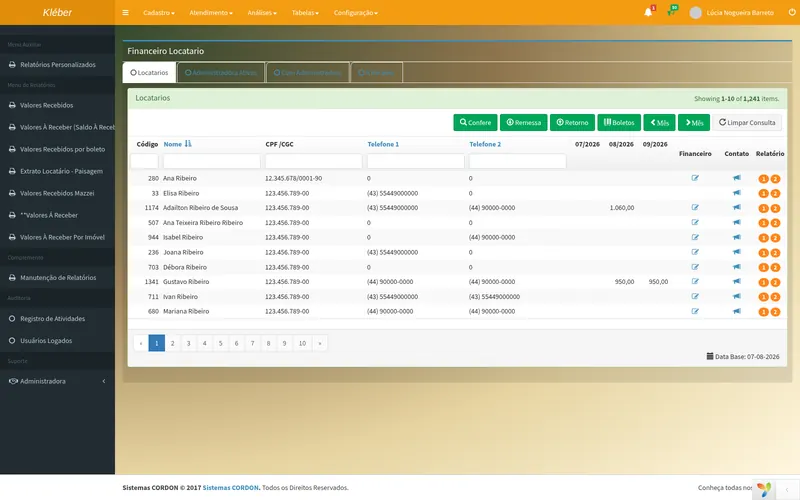
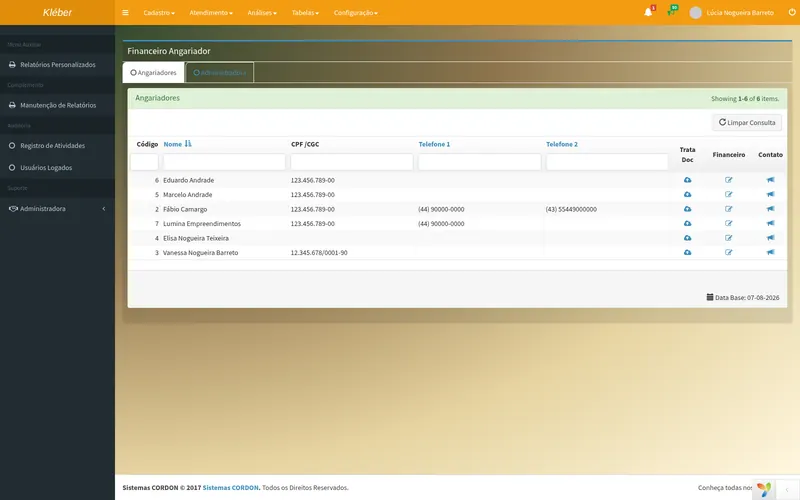
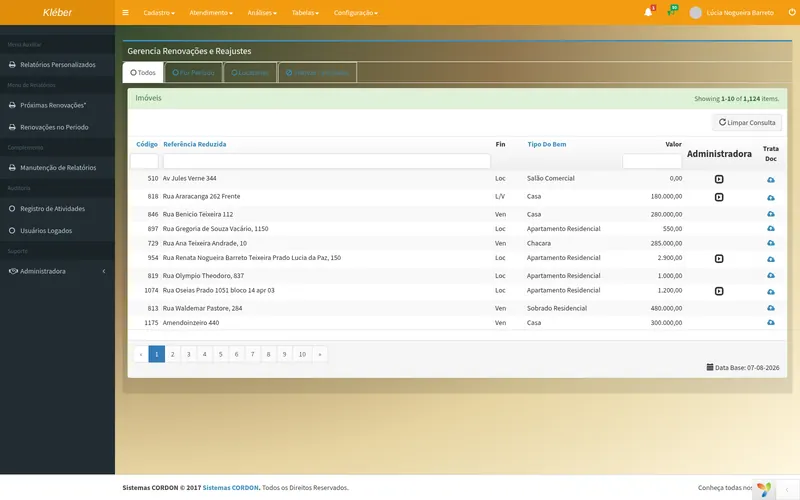
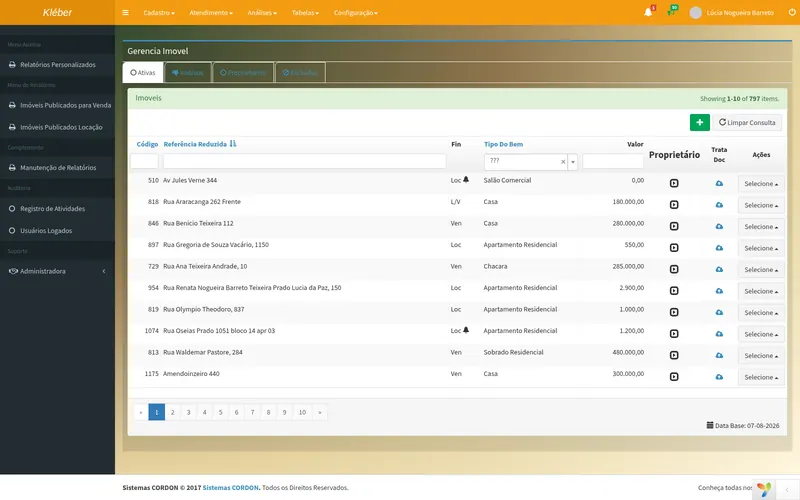
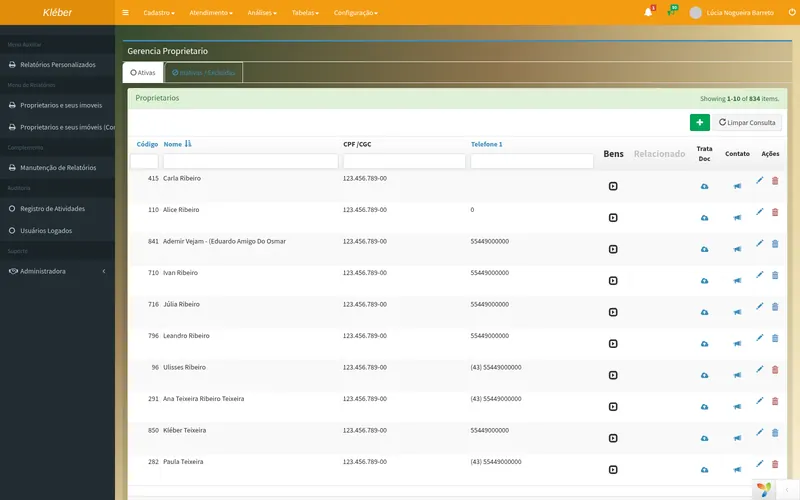
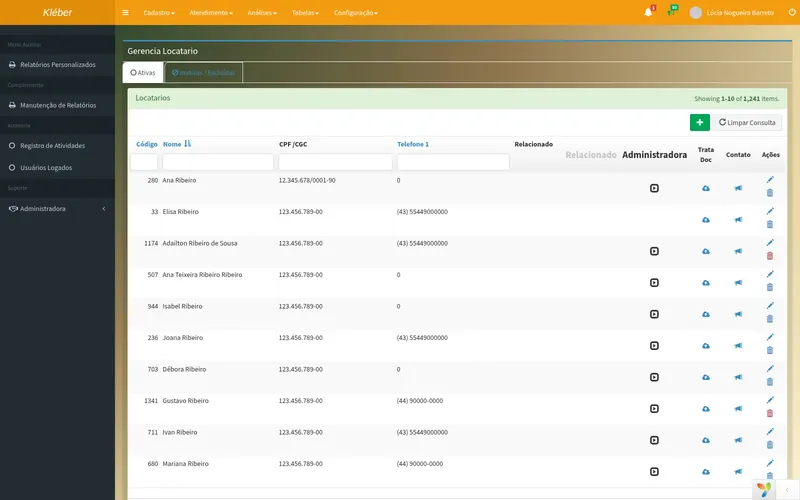
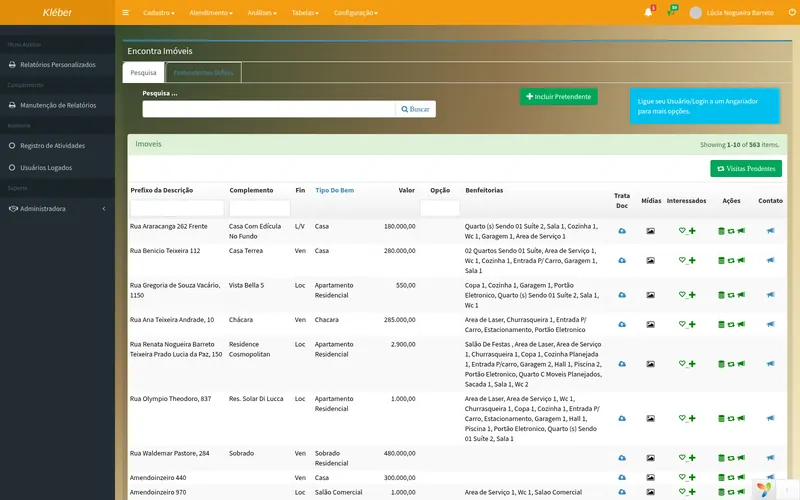
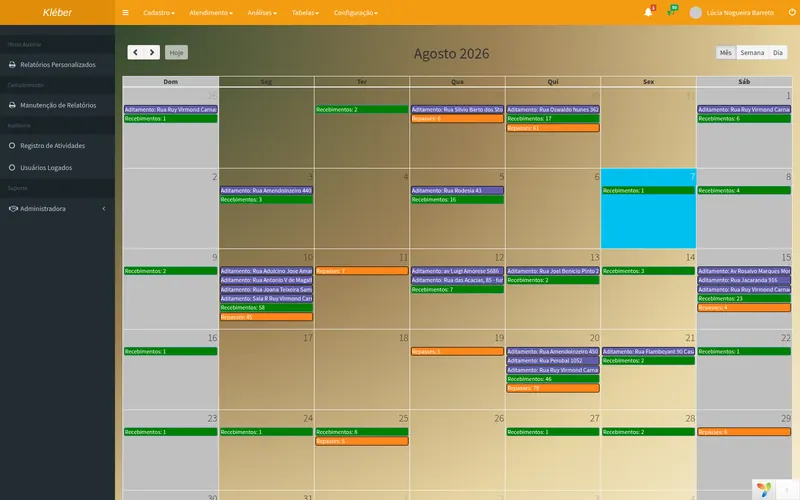
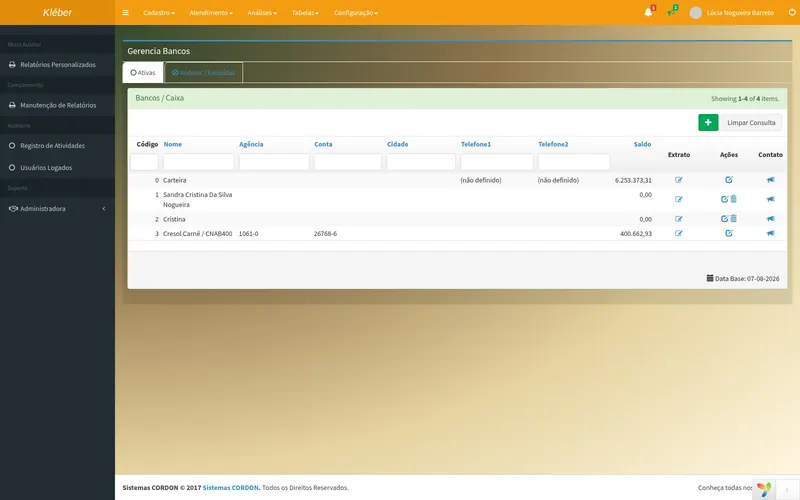
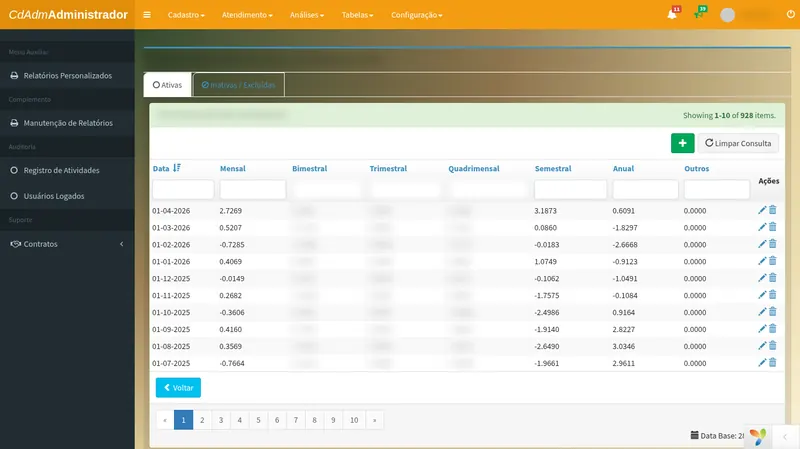
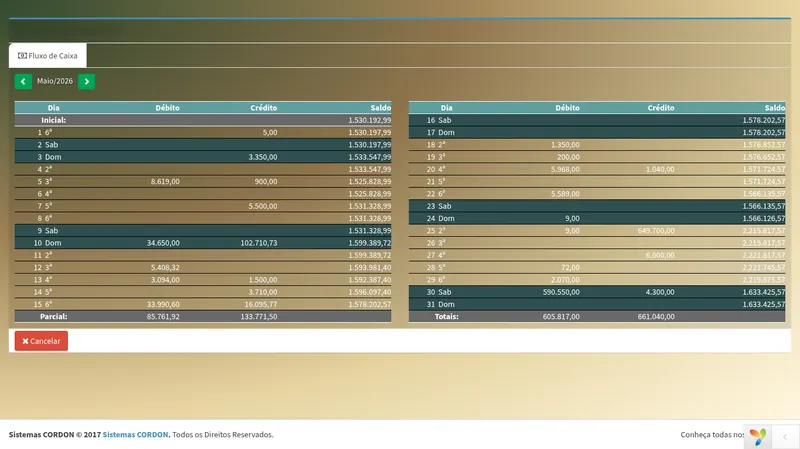
Screenshots of CdAdm actually running. Every name, taxpayer ID and phone number was replaced with fictitious data before the capture — the same customer always becomes the same fake name, so the screen stays consistent without identifying anyone. Everything else is exactly what you'll see.
How to subscribe
CdAdm is a monthly subscription, and a subscription only holds up if the system keeps being worth it every month. That's why we don't tie anyone down with a contract.
There is no minimum term. You stay because the system works, not because you signed a piece of paper that ties you down.
If you decide to leave, you leave. No termination charge, no data held hostage — your database is yours and goes with you.
Modules are subscribed together or separately. Start with what hurts most and add the rest when it makes sense.
The monthly fee depends on the modules you'll use and the size of your operation — number of active leases, users and branches. A bundle published in a price table would only make someone pay for screens they never open.
In a thirty-minute conversation we understand your operation and send a firm proposal, with everything in writing: what's included, what isn't and what it costs. No fine print and no surprise increase in the second month.
Frequently asked questions
No. Modules are subscribed together or separately. Many companies start with just Financial Management, or just Inventory and Billing, and add the rest later.
Yes. The core is a general management platform — finance, inventory, billing, tax and CRM — used by retail, industry and service providers. The real estate vertical is an extra module, not a requirement.
The Web (cloud) version is the recommended one: no installation, with backups and updates handled by us. The Desktop version is still supported, and there is a guided migration path.
We do, from Maringá. A person answers, not a bot — no mandatory chatbot, no ticket queue just to talk to a human. Phone, WhatsApp, email and remote access, Monday to Friday, 8 a.m. to 6 p.m. (Brasília time). Customer service is not outsourced.
No. There is no minimum term and no termination fee. If you decide to leave, you leave — and you take your database with you. We'd rather keep customers through service.
It depends on the modules you'll use and the size of your operation. Instead of a price table that would make someone pay for screens they never open, we put the proposal together in a conversation — with what's included, what isn't and the price, all in writing.
Yes. The demo is run by the people who build it, takes about 30 minutes and starts from your operation, not from a canned script.
Thirty minutes, no commitment. If CdAdm isn't the best choice for your case, we'll tell you.